Reimagined Bits
1Summary
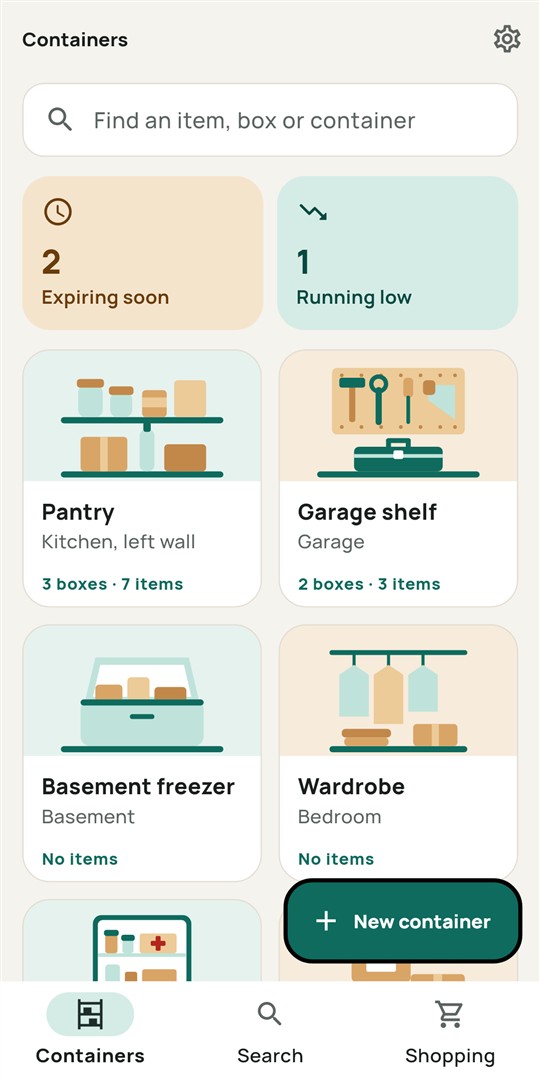
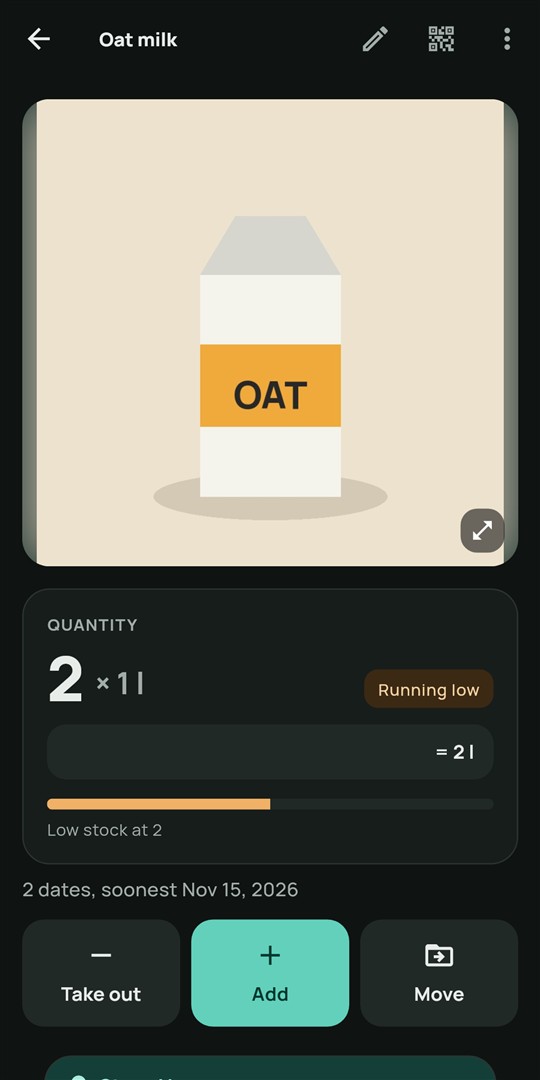
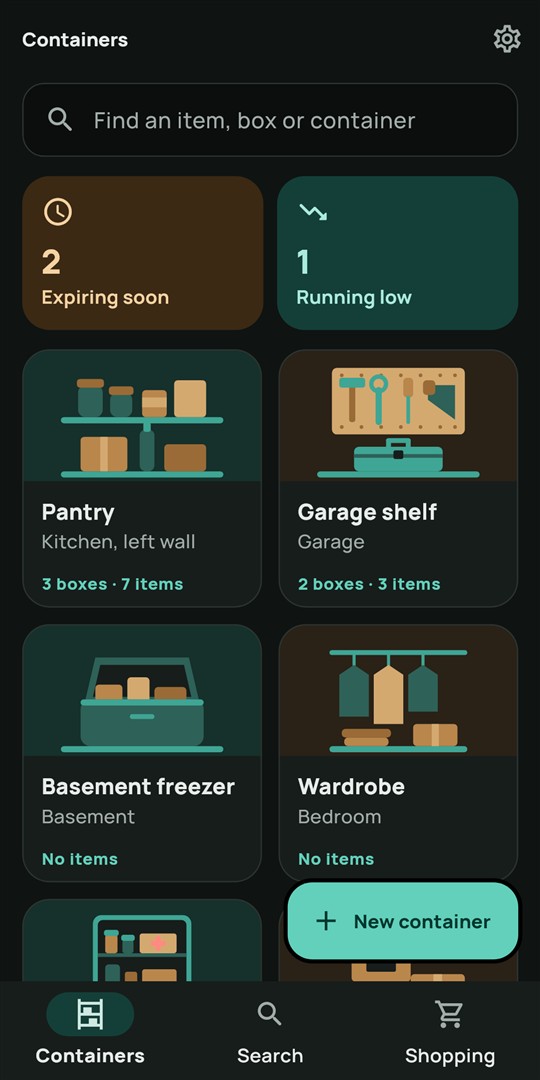
Storage Organizer ("the app") is a free app for Android phones and tablets that helps you keep track of what you store in containers, boxes and shelves. It is published by Reimagined Bits ("we", "us"). This policy explains what information the app uses, why, and the choices you have.
In short: the app has no accounts, no sign-in, no analytics and no servers of its own. Your containers, boxes, items, photos, shopping list and settings stay on your phone. The free version shows ads from Google AdMob, and Google collects some device information to deliver and measure those ads. Premium, a one-time purchase, removes the ads.
2Information kept on your device
The app saves the following on your device:
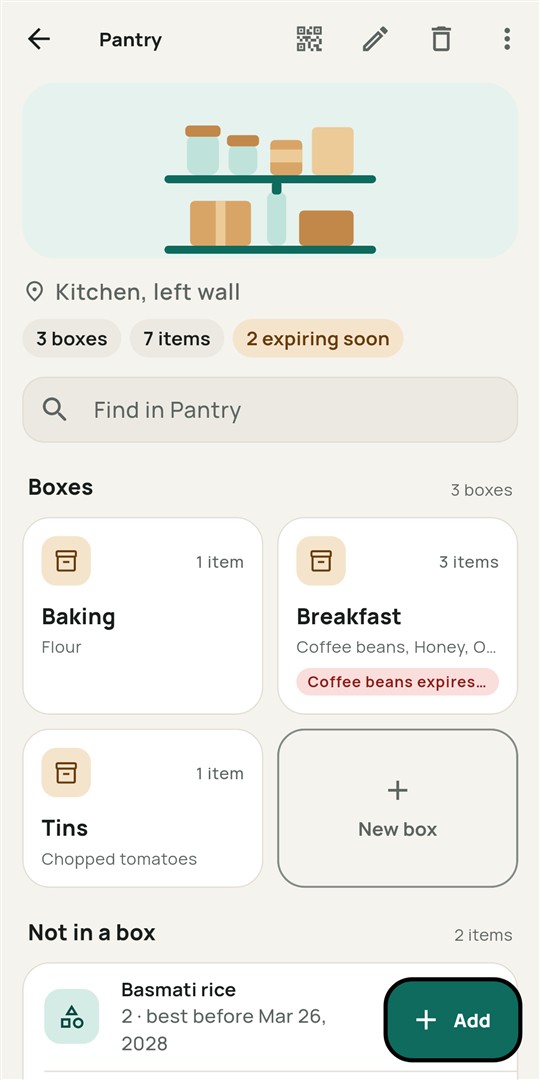
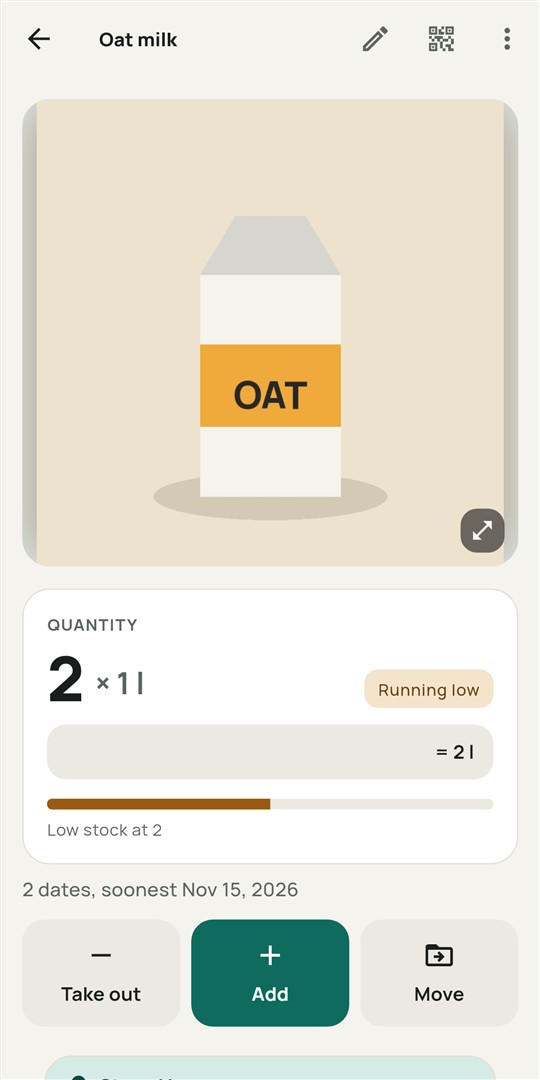
- Your containers, boxes and items, with their names, quantities, notes, expiry dates and storage locations
- Photos you take or choose for items, boxes and containers
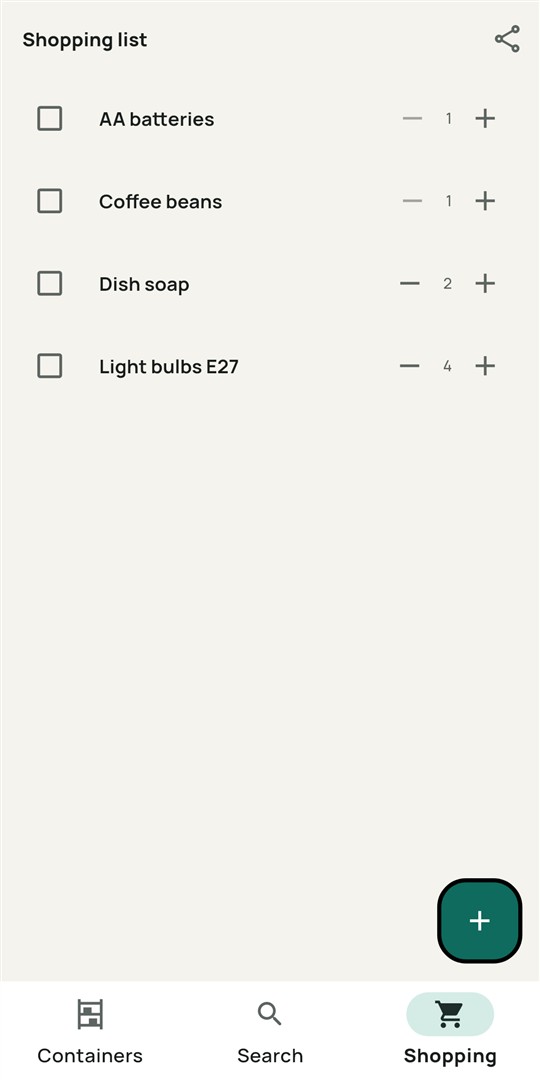
- Your shopping list and the bin of recently deleted entries
- Your settings, such as language, theme, measurement system and photo quality
- Whether Premium has been bought
This information stays on your device and we never see it. There is no cloud sync. Backups (Premium) are files that you create, and where they go is up to you: the app saves the file or hands it to the Android share sheet, and you choose where to send it. Printed QR labels and PDF inventory exports are made on your device in the same way. Uninstalling the app deletes everything it stored on the device, except backup files you saved elsewhere.
3Ads in the free version
The free version is supported by ads served by Google AdMob. To show and measure ads, prevent fraud and keep the ads system working, the Google Mobile Ads SDK built into the app may collect and send to Google:
- Device identifiers, such as the Android advertising ID
- IP address, which can give an approximate location
- Ad interactions, such as which ads were shown or tapped
- Diagnostic information, such as crash logs and performance data from the ads SDK
- Basic device information, such as device model, operating system version and language
Google's use of this data is described in How Google uses information from sites or apps that use its services and the Google Privacy Policy.
When and how ads appear
- A banner appears at the bottom of the main screens. It never appears in forms or on the scanner.
- A full-screen ad can appear after you save a new item: never in the first session after installing, then at most after every third new item and at most once every three minutes.
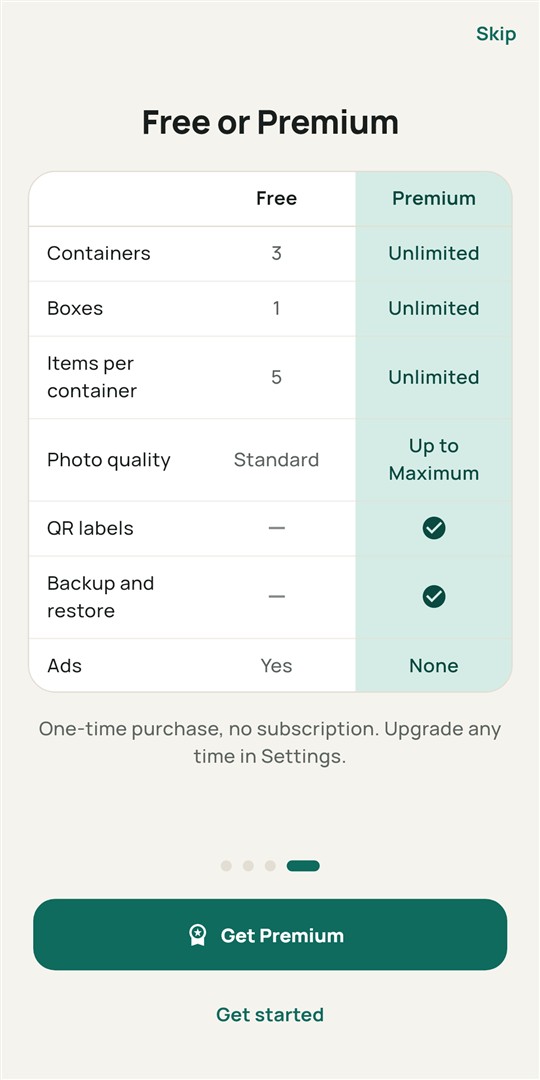
- Premium shows no ads, and the app makes no ad requests at all.
Your choices
- European Economic Area, United Kingdom and Switzerland: before any ad is requested, the app shows Google's consent form. Without your consent, ads are only requested where the law allows it, and they are not personalized. You can change your choice at any time under Settings > Privacy options, which appears where the law requires it.
- Android: you can reset or delete your advertising ID, or opt out of personalized ads, in your device's Settings > Privacy > Ads (the exact menu depends on the device).
- You can also manage the ads Google shows you in Google My Ad Center.
- Buying Premium turns off ads completely.
4Premium purchase
Premium is a one-time purchase made through Google Play. It removes ads and unlocks unlimited containers, boxes and items, printable QR labels, PDF export of your inventory, backup and restore, and sharper photo quality. Google Play processes the payment and tells the app that the purchase was made; the app checks the signature of that confirmation on your device, so the app can unlock Premium and restore it on a new device. We never receive your payment details, and we do not keep any record of your purchase on a server. Purchases are governed by the Google Privacy Policy.
5Device permissions
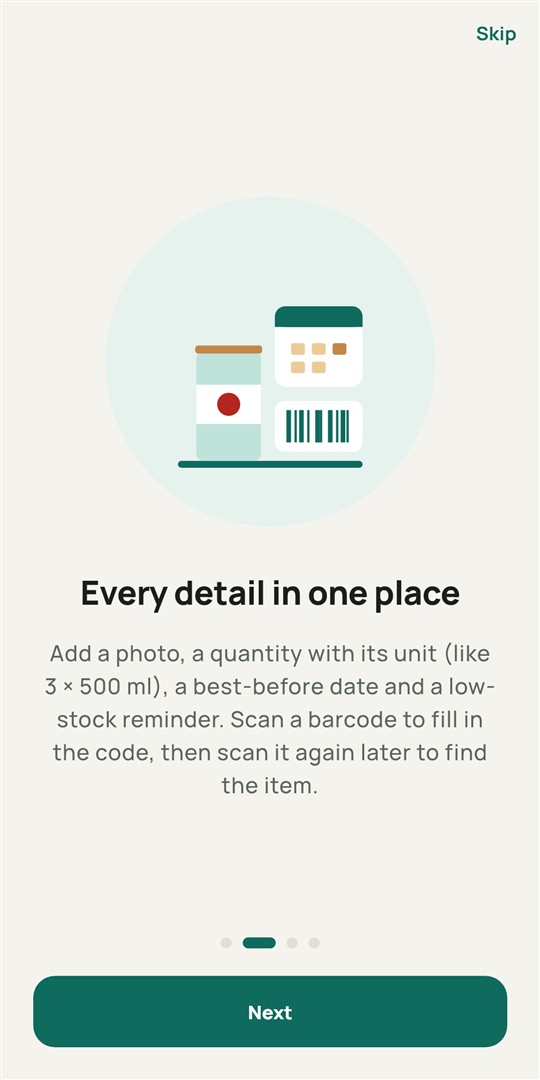
- Camera: used only to scan barcodes and QR codes, and to take photos of your items. Android asks you before the app first uses it. Images from the camera are processed on your device and are not sent anywhere.
- Internet and network state: to look up product details for scanned barcodes, load ads in the free version, and check purchases with Google Play. The rest of the app works offline.
- Advertising ID: read by the Google Mobile Ads SDK in the free version, as described under Ads.
When you choose a photo from your gallery or a backup file to restore, you pick it in Android's own picker, and the app only gets the file you chose. The app does not use your microphone, contacts or location.
6Summary of data collected
| Data | Collected by | Purpose | Shared with |
|---|---|---|---|
| Containers, boxes, items, photos, lists and settings | Your device only | App functionality | No one |
| Backup files | You create them | Moving or restoring your data | Only where you send them |
| Scanned barcode numbers | The app, sent to public product databases | Finding product names and pictures | Those databases |
| Advertising ID and other device identifiers | Google Mobile Ads SDK (free version) | Advertising, ad measurement | |
| Approximate location (from IP address) | Google Mobile Ads SDK (free version) | Advertising, fraud prevention | |
| Ad interactions | Google Mobile Ads SDK (free version) | Advertising, ad measurement | |
| Crash logs and diagnostics | Google Mobile Ads SDK (free version) | Ads SDK stability | |
| Purchase history | Google Play | Unlocking and restoring Premium | Not shared |
All data sent over the internet by the app is encrypted in transit. Your photos are never sent to us or to any service. We do not sell your personal information.
7Children
Storage Organizer is a general-purpose tool for adults and is not directed at children under 13. We do not knowingly collect personal information from children, and the app never asks for a name, email address or age. If you believe a child's personal information has been collected through the app, contact us and we will work with you and Google to address it.
8Legal basis (EEA, UK and Switzerland)
Personalized ads, and any use of cookies or device identifiers that requires it, are based on your consent, which you can withdraw at any time under Settings > Privacy options. Non-personalized ads and fraud prevention are based on our legitimate interest in offering the app and keeping it free. Purchases are processed to perform the purchase contract.
9Retention and international transfers
We do not store any data on our own servers. Data on your device is kept until you delete it in the app, uninstall the app or clear its data. Data received by Google and by the product databases used for barcode scans is kept and may be processed outside your country according to their own policies and safeguards for international transfers.
10Your rights and choices
Depending on where you live, you may have the right to access, correct, delete or object to the use of your personal data, and to complain to your local data protection authority. Because we hold no personal data ourselves, the quickest way to use these rights is through the controls described above and through Google My Ad Center. You can also contact us and we will help.
To delete everything the app stores on your device, uninstall the app or clear its data in your device's settings.
11Changes to this policy
If this policy changes, the new version will be posted at this address with a new "Last updated" date. Significant changes will also be mentioned in the app's update notes.
12Contact
Reimagined Bits
Email: reimaginedbits@gmail.com
Google Play: Reimagined Bits